
Ultimate Guide to Playing Baldur’s Gate 3 via Cloud Gaming
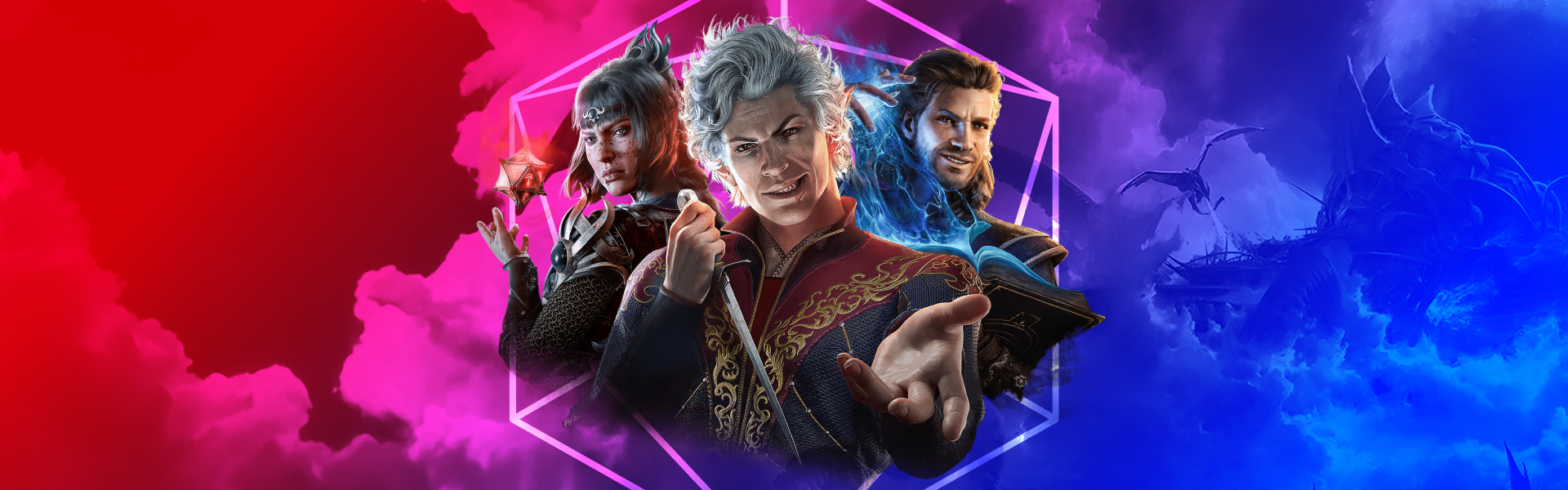
Baldur’s Gate 3 is a critically acclaimed story-driven RPG set in the Dungeons & Dragons universe, widely referenced in the Stranger Things show, combining deep narrative, tactical turn-based combat, and unmatched player freedom. This award-winning game lets you shape the fate of Faerûn through your choices, companions, and the consequences you are willing to face.

Why Baldur’s Gate 3 Is a Must-Play RPG
Baldur’s Gate 3 is based on the Dungeons & Dragons 5th Edition ruleset, bringing authentic tabletop mechanics into a cinematic, interactive experience. The game features hundreds of quests across three acts, each offering multiple paths, solutions, and outcomes depending on how you build your character and interact with the world.
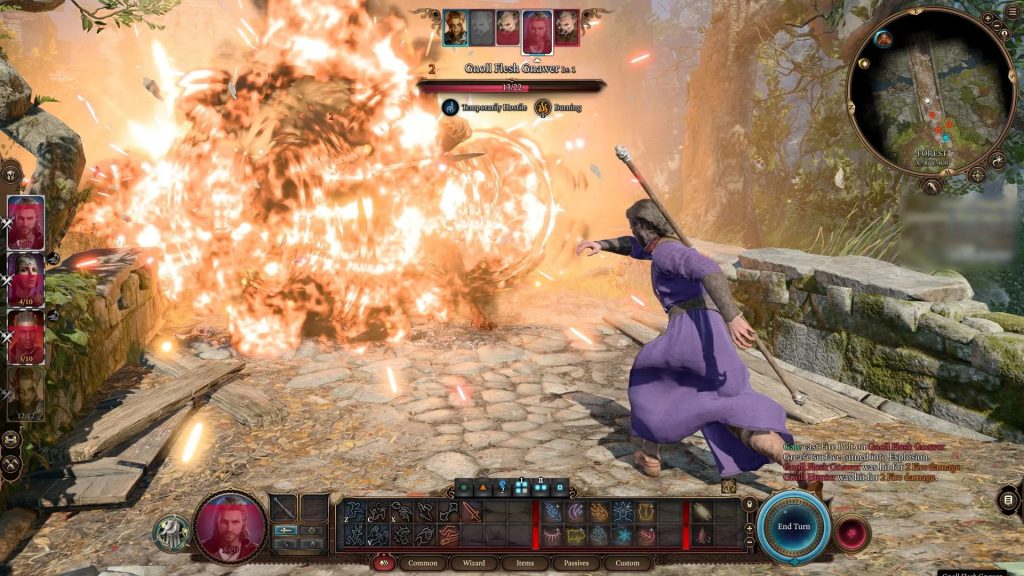
Combat is fully turn-based and driven by dice rolls, with actions, bonus actions, movement, spells, and environmental interactions forming a highly tactical system. Every companion is fully voiced, with rich personal storylines and reactive dialogue that adapt to your choices, party composition, and morality.
Deep Character Creation and Party Customization
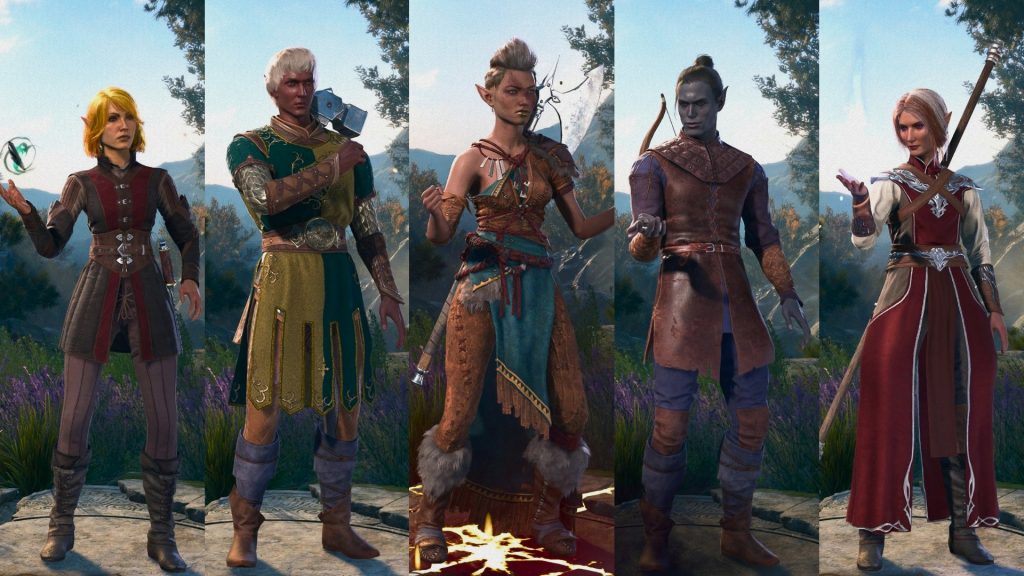
From the start, Baldur’s Gate 3 offers a robust character creator with various races, backgrounds, and classes such as Wizard, Fighter, Barbarian, and more. Each class comes with unique abilities, subclass options, and playstyles, encouraging multiple playthroughs and experimentation.
As you progress, your character gains new spells, feats, and class features like Extra Attack or Fast Movement, significantly changing how you approach each battle and encounter. Your party of companions can be customized with different builds and gear, letting you create flexible strategies for combat, exploration, and dialogue.
A Living World That Reacts to Your Choices
Baldur’s Gate 3 delivers an unprecedented level of reactivity, where your decisions ripple throughout the entire campaign. Almost any character can die, including those integral to the main storyline, forcing the narrative to adapt and continue in unexpected directions. The game tracks your moral choices, relationships with companions, and even minor dialogue decisions, creating a personalized story that feels uniquely yours. Your party members will approve or disapprove of your actions, potentially leading to romance, betrayal, or even characters leaving your group permanently. This dynamic system ensures that no two playthroughs are identical, encouraging experimentation with different character builds, moral alignments, and narrative paths.
Baldur’s Gate 3 on Smart TV, Laptop, and Mobile with Cloud Gaming
One of the biggest advantages of cloud gaming is the ability to play Baldur’s Gate 3 on almost any screen, which lets you stream your games from powerful remote servers to your own devices.
With cloud gaming, you can enjoy Baldur’s Gate 3 on:
- Smart TV: Launch the game on your TV without a console or gaming PC by streaming it through the cloud gaming platform via browser or native application.
- Laptop or desktop: Play on Windows, macOS, Linux, or even low-spec laptops, since the heavy processing runs in the cloud.
- Mobile devices: Take Baldur’s Gate 3 on the go on Android, iOS, or supported mobile browsers with on-screen controls or a connected gamepad.
- Handheld devices: Play on Steam Deck, ROG Ally, and other gaming handhelds through cloud streaming, preserving battery life while enjoying full-quality gameplay on the go.
You only need an internet connection and access to your game library, no downloads or long installation times are required, as cloud gaming streams the game directly to your device.
Internet Speed and Settings for Smooth Cloud Gaming
For a smooth Baldur’s Gate 3 experience in the cloud, a stable and fast internet connection is more important than powerful hardware. Here are recommendations for your internet connection to get a stable experience.
- Recommended speed: Aim for at least 15–20 Mbps for 1080p cloud gaming and higher speeds if streaming on larger screens or shared networks.
- Wired vs Wi‑Fi: A wired Ethernet connection is ideal, but if you use Wi‑Fi, connect to a 5 GHz network and stay close to the router to reduce packet loss and latency.
Lowering the streaming resolution or bitrate in cloud gaming settings can improve responsiveness if your connection is unstable or shared with other devices.
Tips to Optimize Baldur’s Gate 3 Performance on Low-End Devices and in the Cloud
Even though cloud gaming handles the heavy lifting on providers’ servers, a few tweaks can enhance your Baldur’s Gate 3 experience, especially on low-end devices or weaker networks.
- Close background apps: Shut down bandwidth-heavy apps (downloads, streaming, video calls) on your device and network to reduce latency and stuttering.
- Adjust stream quality: If you experience input lag or frame drops, reduce the cloud streaming resolution from 1080p to a lower setting to prioritize smooth gameplay.
- Use a controller: For mobile and Smart TV, a Bluetooth or wired controller often provides more comfortable and responsive gameplay than touch controls.
- Stable power source: Keep laptops and mobile devices plugged in when possible to prevent performance throttling due to battery-saving modes.
By optimizing network conditions and basic device settings, you can enjoy stable turn-based combat, story scenes, and exploration without worrying about local hardware limitations.
FAQ: Baldur’s Gate 3 and Cloud Gaming
Q: Is Baldur’s Gate 3 playable via cloud gaming?
A: Yes, Baldur’s Gate 3 can be played via cloud gaming platforms, which stream the game from remote servers to your device over the internet.
Q: Do I need a powerful gaming PC for Baldur’s Gate 3 on cloud gaming?
A: No, the game runs on cloud gaming platforms’ hardware, so even low-end laptops, older desktops, and some Smart TVs can play it as long as you have a compatible browser or app and a stable internet connection.
Q: Can I play Baldur’s Gate 3 on mobile with cloud gaming?
A: Yes, you can stream Baldur’s Gate 3 on supported mobile devices using cloud gaming, with a virtual gamepad or a connected gamepad for better comfort.
Q: What internet speed do I need for Baldur’s Gate 3 on cloud gaming?
A: A connection of around 15–20 Mbps is recommended for smooth 1080p streaming, with higher speeds providing more stable performance on larger screens or shared networks.
Q: Do I have to buy Baldur’s Gate 3 again on cloud gaming?
A: Usually, the cloud gaming providers don’t require you to buy the game again to play it via their platform, so you don’t need to buy a license for this game again.
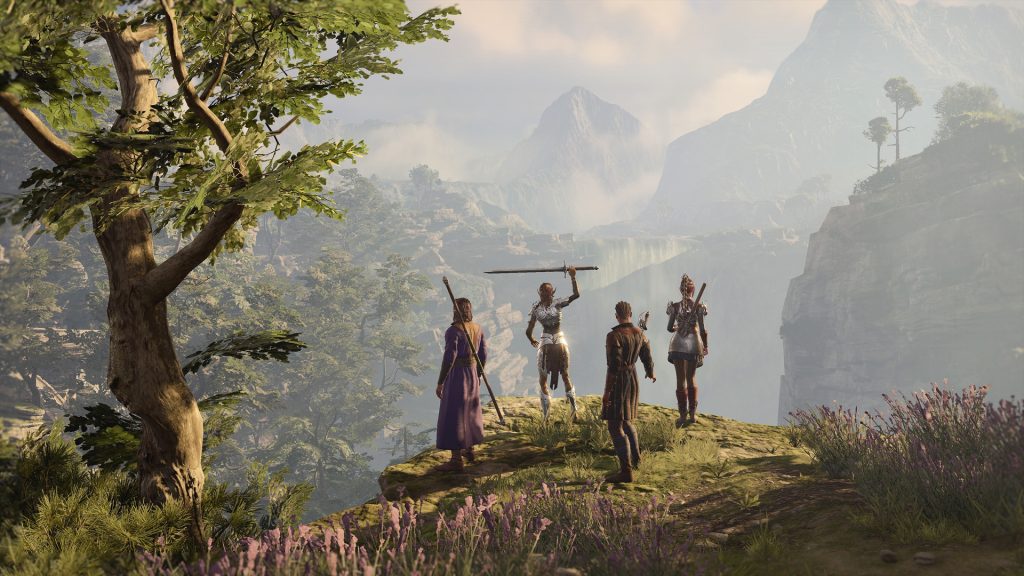
By combining deep RPG storytelling with cloud technology, Baldur’s Gate 3 becomes accessible on more devices than ever. With cloud gaming, you can dive into Faerûn from your Smart TV, laptop, or mobile device and enjoy a premium role-playing experience without needing a powerful gaming PC.